
If you have spent any time in Australian IPTV groups, you have seen this argument play out. Someone posts asking which player is better, IBO Player Pro or TiviMate, and within an hour there are forty replies split almost evenly down the middle. Both sides are passionate. Both sides have a point. And both sides are almost always comparing the players on different devices without realising it.
This article ends that argument, at least for Australian households. We have tested both players extensively across Firestick, Android TV boxes, Smart TVs, phones and tablets. What follows is the honest side by side comparison. Which one is faster, which one looks better, which one handles the EPG guide more cleanly, which one supports more devices, and which one we actually recommend to new customers.
One thing worth saying before we start. Both players are good. This is not one of those comparisons where one option is obviously terrible. The right choice depends on your device, your household, and how much you care about customising the interface. If you are brand new to all of this, our best IPTV player Australia guide gives the broader view of the whole player landscape before you dive into this specific head to head.
The Short Answer
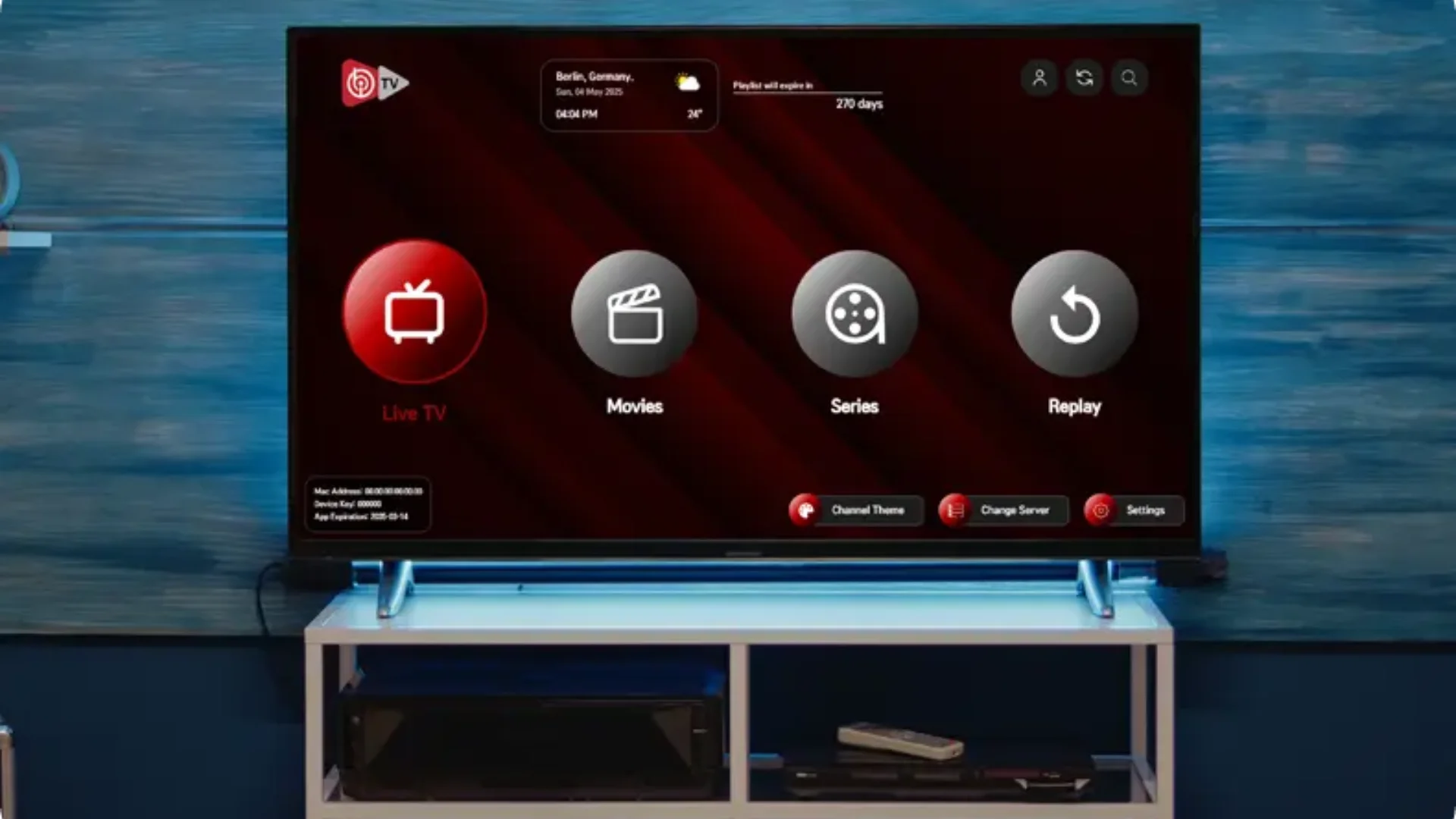
If you want the conclusion first and the detail second, here it is. For most Australian households, IBO Player Pro is the better choice because it runs natively on every device you already own, including Samsung Tizen and LG webOS Smart TVs. TiviMate is the better choice if you are exclusively on Android or Fire TV and you love customising every detail of your interface.
That is the whole answer in two sentences. Everything else in this article explains why, and where the edge cases sit.
Device Support: The Biggest Difference
This is where the comparison actually starts, because it is the single most important factor for Australian households. A player that only runs on one platform is not much use if your lounge room is a Samsung and your bedroom is a Firestick.
TiviMate runs on Android TV, Google TV, Amazon Fire TV, and Android mobile devices. That is it. It does not run on Samsung Tizen. It does not run on LG webOS. It does not run on iOS or Apple TV. If you have an iPhone, an iPad, an Apple TV, or one of the two most popular Smart TV platforms in Australia, you cannot use TiviMate natively.
IBO Player Pro runs on all of those plus the ones TiviMate supports. Samsung Tizen. LG webOS. Android TV. Google TV. Amazon Fire TV. Apple TV. iOS. Android. Windows. Mac. There is no device in an Australian household that IBO Player Pro does not cover.
That matters because most Australian homes have a mix. The main TV in the lounge room might be a Samsung. The kids have iPads. Someone has an iPhone. There is a Firestick in the spare room and an old Android box in the garage. If you standardise on TiviMate, half those devices are locked out. If you standardise on IBO Player Pro, every device in the house runs the same app, and everyone in the family already knows how to use it.
Zapping Speed and Playback Stability
Zapping speed is the delay between pressing a channel and the picture appearing. It is the single biggest difference between a player that feels premium and one that feels like a website pretending to be an app.
On a high end Android TV box, both players zap in under a second. That is essentially identical, and there is no meaningful difference to report.
On a Firestick, and especially on a Firestick Lite or an older 2019 model, the gap opens up. TiviMate uses more memory and pushes the processor harder. On the lighter Firesticks, that shows up as slower zapping, occasional frame drops when switching between 4K streams, and more frequent crashes if several channels are flicked through in quick succession. IBO Player Pro is noticeably lighter on the same hardware, and stays responsive even on older sticks.
On a Smart TV, whether Samsung Tizen or LG webOS, there is no comparison to make because TiviMate does not run on those platforms. IBO Player Pro is the only one of the two that works, and it works well.
During live sport, both players hold up similarly when the server is stable. The difference comes from the provider, not the player. If your provider buffers during an AFL grand final, switching players will not fix it. Our best IPTV provider Australia comparison covers what to look for in server quality if that is the issue you are dealing with.
Interface and Customisation
This is where TiviMate wins, and it is worth being honest about it.
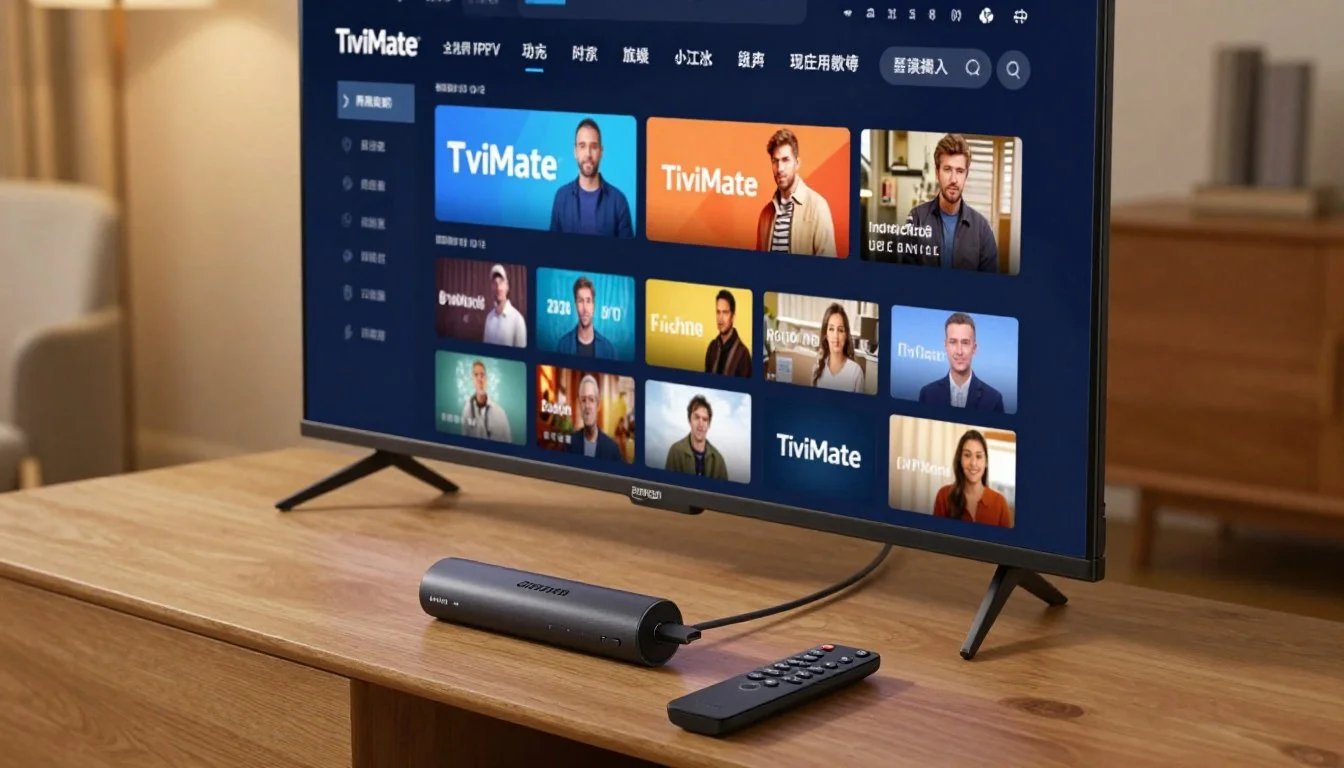
TiviMate gives you more control over how the interface looks than almost any other player. You can rearrange the sidebar, change the colour scheme, adjust how many channels appear on screen at once, tweak the EPG layout, hide groups you do not watch, set custom icons for favourites, and configure the on screen keyboard behaviour. If you enjoy spending a Sunday afternoon refining your setup, TiviMate is built for you.
IBO Player Pro is more opinionated. It has a set of layouts and a default colour scheme that looks clean and works well, and you can adjust the most important settings, buffer size, stream engine, EPG layout, and favourites. But you cannot rearrange the whole interface the way TiviMate allows.
For most Australian households, that is fine. The default IBO Player Pro interface is genuinely good, and it looks like a proper cable TV system rather than a hobbyist IPTV app. For the small subset of users who care about rearranging every pixel, TiviMate gives you the freedom to do so. Neither approach is wrong, they just serve different personalities.
EPG Guide Quality
The EPG is the on screen TV guide. Both players handle it well, with a few differences worth knowing.
TiviMate pulls the EPG automatically when you log in via Xtream Codes, and it handles large EPG datasets better than any other player we have tested. If you have a playlist with hundreds of channels and a full week of schedule data, TiviMate scrolls through it smoothly. The time zone is detected correctly for Australian users, and the guide updates reliably every few hours.
IBO Player Pro does the same thing, but with a slightly different layout. The grid view is cleaner by default, showing fewer channels at once but with larger text, which is easier to read on a TV from across the room. Time zone handling is correct. Refresh cycles are the same. The only noticeable difference is that TiviMate lets you customise the EPG layout more precisely, while IBO Player Pro sticks to a couple of preset options.
Both handle catch up TV if your provider supports it. Both let you set reminders for upcoming programs. Both show the current program and the next two or three in the corner while you are watching a channel. In day to day use, the EPG experience is very similar.
Buffer Control and Stream Settings
Both players give you control over the buffer size, which is the amount of video the player holds in memory to smooth out small network hiccups. This is the single most useful setting for fixing buffering on Australian connections.
TiviMate offers a wider range of buffer sizes than IBO Player Pro, and it lets you set different buffer sizes for different stream types. If you are the kind of person who likes to tune your setup to the millisecond, TiviMate gives you that option.
IBO Player Pro offers three preset buffer sizes, Small, Medium and Large, and that is enough for ninety nine percent of users. The default Small works fine on fast stable connections. Switching to Medium solves most buffering on slower connections. Large is available for troubleshooting, though it should be avoided on older devices because it uses more memory.
Both players let you switch between HLS and TS stream engines. Both let you change the decoder between Hardware and Software. Both handle 4K streams without issue on capable devices. In practice, the settings that matter most for Australian households are identical between the two.
Price Comparison
Both players are paid apps. Neither is free, and neither comes bundled with any IPTV subscription, including ours.
TiviMate Premium is priced per year, and it is more expensive than IBO Player Pro. TiviMate also offers a free version with limited features, but the free version drops EPG refresh, removes some customisation options, and limits how many playlists you can add. Most users end up on Premium because the free version is too restrictive.
IBO Player Pro is a one time licence per device. There is no monthly or yearly fee. You buy the activation once and it works for the lifetime of that device. The free trial lets you test everything before you commit. For Australian households with multiple devices, this makes a real difference to the total cost. Three Firesticks with TiviMate Premium cost more per year than three Firesticks with IBO Player Pro costing once.
Which Player Wins for Each Device
Here is the practical answer, device by device. If you want the full walkthrough for setting up either player on your specific hardware, our Firestick setup guide and our Smart TV setup guide both cover the exact steps.
| Device | Winner | Why |
|---|---|---|
| Samsung Smart TV | IBO Player Pro | TiviMate does not run on Tizen |
| LG Smart TV | IBO Player Pro | TiviMate does not run on webOS |
| Apple TV | IBO Player Pro | TiviMate does not run on tvOS |
| iPhone and iPad | IBO Player Pro | TiviMate does not run on iOS |
| Firestick 4K Max | Close call, TiviMate | Extra customisation, high end hardware handles it |
| Firestick Lite or older stick | IBO Player Pro | Lower memory use, smoother on light hardware |
| Nvidia Shield or high end Android box | TiviMate | Premium hardware unlocks full customisation |
| Budget Android box | IBO Player Pro | Runs smoother on low RAM |
If your household has one main device, pick the winner for that device. If your household has a mix, and most Australian households do, IBO Player Pro is the only one that lets you use the same app everywhere.
What a Plan Costs in Aussie Dollars
Since both players need a subscription behind them, here is what ours costs. No hidden fees, no currency surprises, just AUD pricing. Every tier includes the full Australian sports lineup, all major Australian networks, plus US, UK, and international channels.
Frequently Asked Questions
05 QuestionsIs IBO Player Pro better than TiviMate for Australians?
For most Australian households, yes. The reason is device support. TiviMate only runs on Android and Fire TV, while IBO Player Pro runs on every device including Samsung Tizen, LG webOS, Apple TV and iOS. If your home has a mix of devices, IBO Player Pro is the only one of the two that works on all of them.
Can I use TiviMate on my Samsung or LG Smart TV?
No. TiviMate does not support Samsung Tizen or LG webOS. The only way to use TiviMate on a Smart TV is to plug in a Firestick, Android TV box or Nvidia Shield. If you would rather not add hardware, IBO Player Pro runs natively on both platforms through their official app stores.
Which player has a better EPG guide in Australia?
Both handle the EPG guide well and both detect the Australian time zone correctly. TiviMate offers more layout customisation, while IBO Player Pro uses larger, cleaner text that is easier to read from across the room. In day to day use, the guide experience is very similar, and both handle catch up and reminders.
Is TiviMate or IBO Player Pro cheaper?
IBO Player Pro is cheaper overall because it is a one time licence per device with no recurring fee. TiviMate Premium is priced per year, which means the cost keeps adding up over time. For a household with three devices, IBO Player Pro usually works out cheaper within the first year.
Can I use both players on the same IPTV Australia subscription?
Yes. The player app is separate from the subscription. You can install IBO Player Pro on one device and TiviMate on another, log in with the same Xtream Codes credentials, and both will work. The only limit is the number of simultaneous streams on your plan, not the number of apps you use.
One Last Thing
IBO Player Pro and TiviMate are both excellent players, and if you are exclusively on Android or Fire TV with high end hardware, TiviMate is a genuinely great choice. But for the way most Australian households actually live, with a mix of Smart TVs, Firesticks, phones and tablets, IBO Player Pro is the one that just works everywhere without any compromises.
If you want to get started with either player, message us on WhatsApp and mention which one you are using. We will send you the correct activation details for your device, help you log in with your Xtream Codes, and confirm playback is running smoothly before you sit down to watch. Otherwise, browse our IPTV Australia plans whenever you are ready, and welcome to the family.